Azure: Create a high-availability instance
A high-availability (Pro) instance runs a primary plus one to three read replicas. If the primary becomes unreachable, KiviDB promotes a replica…
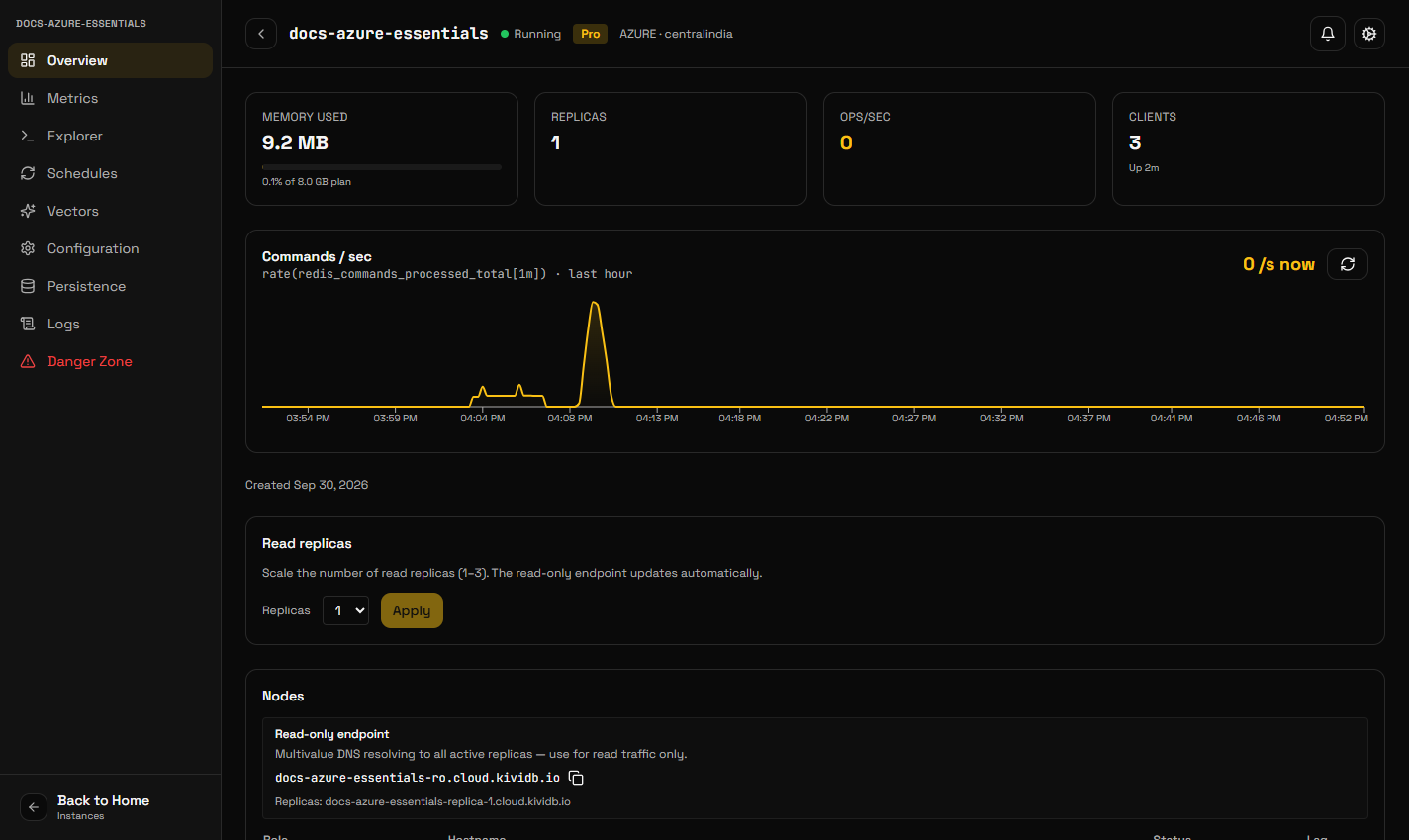
A high-availability (Pro) instance runs a primary plus one to three read replicas. If the primary becomes unreachable, KiviDB promotes a replica automatically and repoints the endpoint at it — your application keeps using the same hostname.
When you need it
Choose Pro when an outage of a few minutes is not acceptable, or when you want to spread read traffic across more than one node.
A single-node instance is not unsafe — every write is persisted to disk, and a lost machine is recovered onto a replacement with its data intact. But that recovery takes minutes rather than seconds, and it is not automatic in the same way. Pro is what buys you the difference.
Create one
In the configurator, choose Pro and set Replicas to 1–3. Everything else works as it does for a single-node instance.
Replicas are placed in separate availability zones where the region offers them. Not every Azure region does: some have a single usable zone, and there your replicas share a failure domain with the primary. You still get automatic failover and read capacity — what you do not get is isolation from a zone-wide outage. The configurator tells you which case your region is in before you order, so this is never a surprise after the fact.
What you get
A writer endpoint — your normal hostname. Always points at the current primary, including after a failover.
A read-only endpoint — your-name-ro.cloud.kividb.io. Distributes reads
across replicas. Use it for queries that tolerate data a fraction of a second
behind the primary.
Writes sent to the read-only endpoint are rejected. That is deliberate: it stops an application silently writing to a node whose changes would be overwritten.
Failover
If the primary fails, KiviDB promotes the best-caught-up replica and repoints the endpoint. Your clients reconnect to the same hostname.
On Azure that repoint is a DNS change with a 60-second record lifetime, so clients converge on the new primary within about a minute rather than instantly. Clients that cache DNS for longer than the record says will take as long as their own cache allows — worth checking if your runtime is one of the ones that caches resolutions for the life of the process.
You will get an email and a dashboard notification when this happens, telling you which node was promoted.
Replicas replicate asynchronously, so a failover can lose writes acknowledged in the moment before the primary died. This is the standard trade for staying available; if you need it not to happen, you need a different consistency model than any Redis-compatible database offers.
Changing replica count
Instance → Overview → Scale replicas. You can go up or down between 1 and 3 without downtime. Removing replicas does not interrupt the primary.
You cannot drop below one replica on Pro. To go back to a single node, create a new Essentials instance and restore a snapshot into it.
Upgrading from single-node
Instance → Overview → Upgrade to Pro, then choose a replica count. The existing node becomes the primary and replicas are built alongside it. Your endpoint does not change.
With private connectivity
Private connectivity works with Pro. The Private Link Service publishes the current primary, and a failover moves it to the promoted node, so a private endpoint keeps reaching the writer without anything to change on your side. See Set up private connectivity.