Google Cloud: Account and organization
Everything under Settings answers one question: who and what can act in this organization. Four tabs, in the order you are likely to need them.
Everything under Settings answers one question: who and what can act in this organization. Four tabs, in the order you are likely to need them.
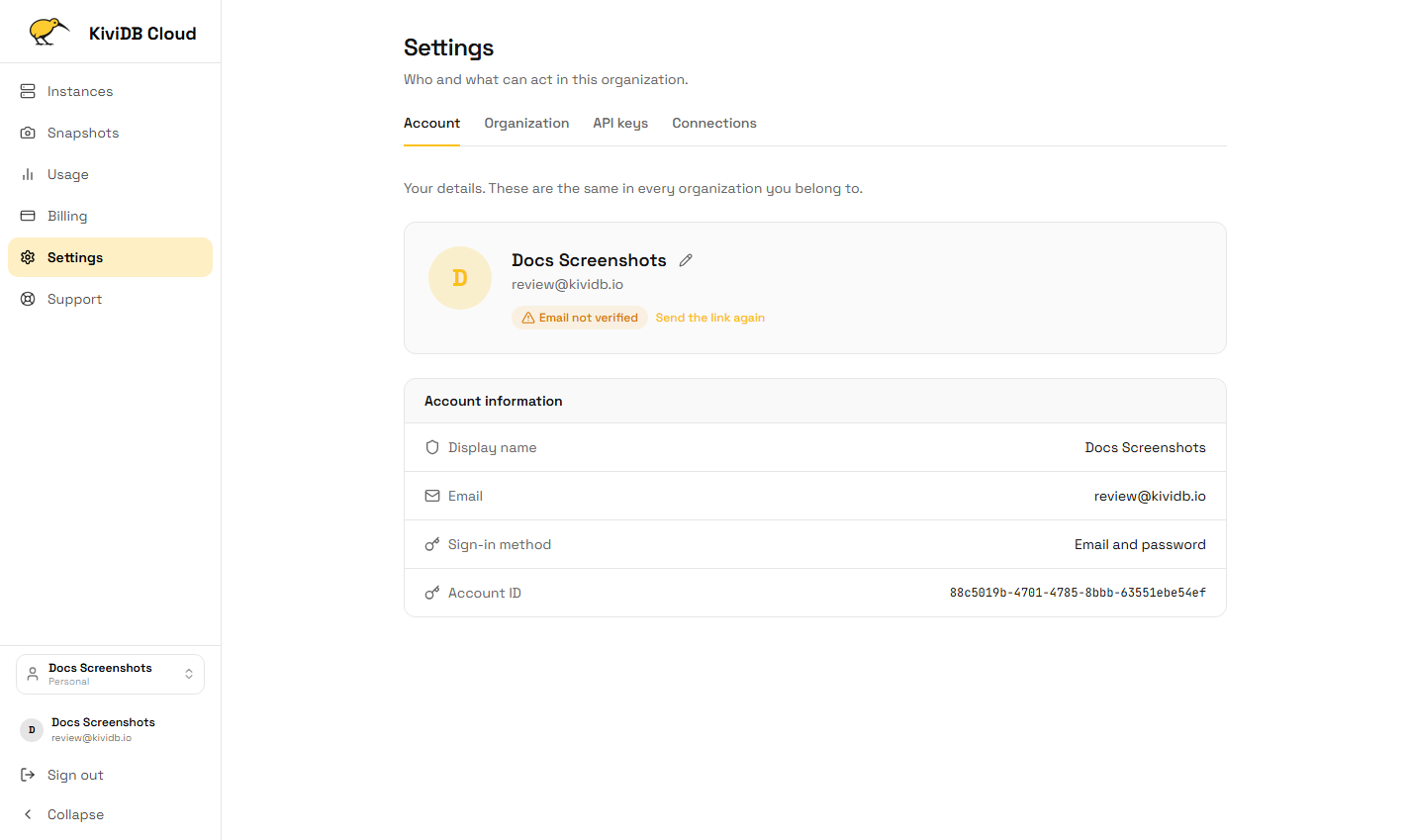
Account
Your own details — display name, the address you sign in with, and how you sign in. These do not change when you switch organizations, because they describe you rather than the organization.
Sign-in method is set when the account is created and tells you what to expect at the login screen:
- Email and password — sign in with the form. Forgotten passwords are reset from a link on that screen.
- Google — use the Google button. There is no password to type.
If the address is not yet verified, a link to resend the confirmation appears here. Some things stay unavailable until it is.
Organization
Who belongs, what each may do, and the organization itself.
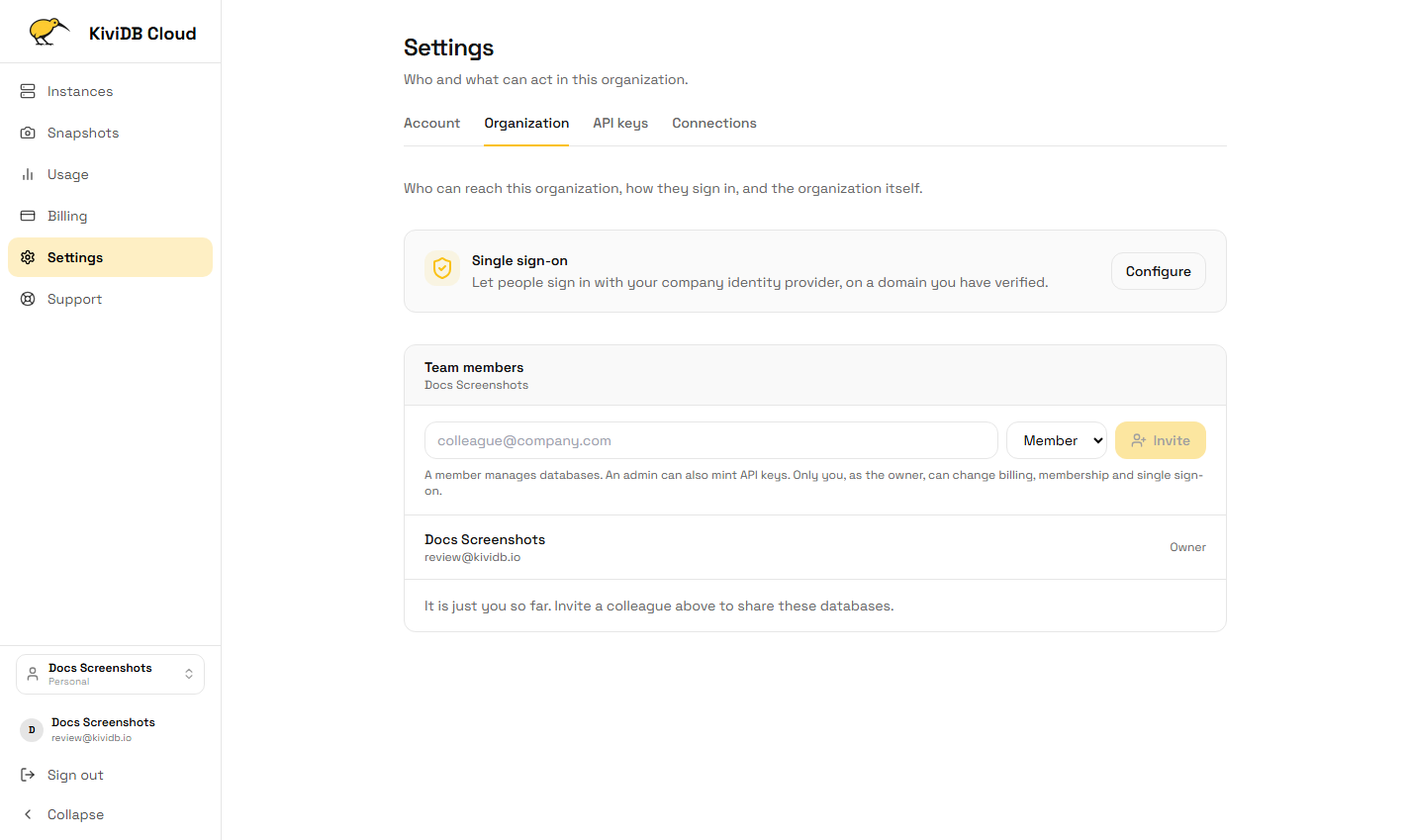
Roles
| Role | Can do |
|---|---|
| Member | Create and manage databases and snapshots. |
| Admin | Everything a member can, plus mint and revoke API keys and change the database ACL rules and roles (Users and passwords). |
| Owner | Everything, including billing, membership and single sign-on. |
Ownership does not transfer. There is exactly one owner, fixed at creation, and it is the row the free tier is counted against. The owner cannot be demoted and their role cannot be changed — the select is not offered for that row, rather than offered and refused.
Changing someone's role does not take effect until you press Save changes. A select that wrote through on every click would demote somebody on a mis-click with no moment at which anyone was asked whether they meant it.
Inviting people
Enter an address, choose a role, and invite. A member of an organization can reach every database in it — there is no per-database permission — so the invitation is the whole of the access decision.
Somebody who already has a KiviDB account joins immediately. Somebody who does not gets an email, and appears as pending until they accept.
Single sign-on
Let people sign in with your company identity provider instead of a KiviDB password. Configure walks through it: you prove control of a domain with a DNS record, then point the connection at your provider.
Only the owner can set it up, and it applies to addresses at the domains you have verified.
API keys
For anything that talks to KiviDB without a person sitting in front of it — the Terraform provider, CI pipelines, your own tooling.
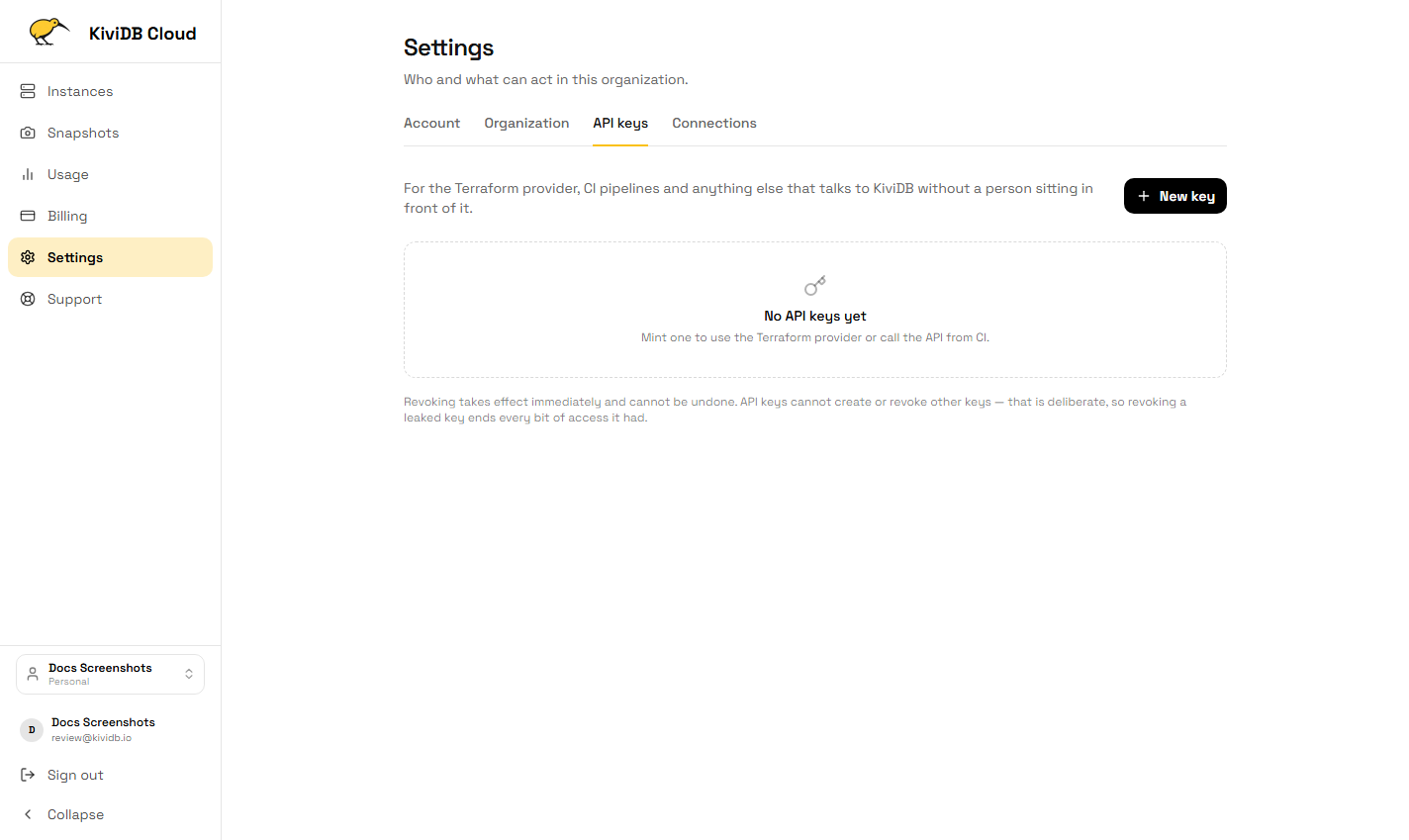
The secret appears once. It is shown in the response that creates it and stored as a hash after that. There is no endpoint that returns it, so if it is lost the only thing to do is revoke the key and mint another.
A key carries a role of its own — prefer member unless it genuinely needs to mint other keys. Revoking is immediate and cannot be undone; anything still using that key stops working at once.
Revoked keys are not listed. The record is kept for usage and audit, but a revoked key cannot authenticate and cannot be un-revoked, so leaving it on the page would turn a list of live credentials into a list to read past.
Connections
Applications you have allowed to act as you — an assistant connected over MCP, most often.
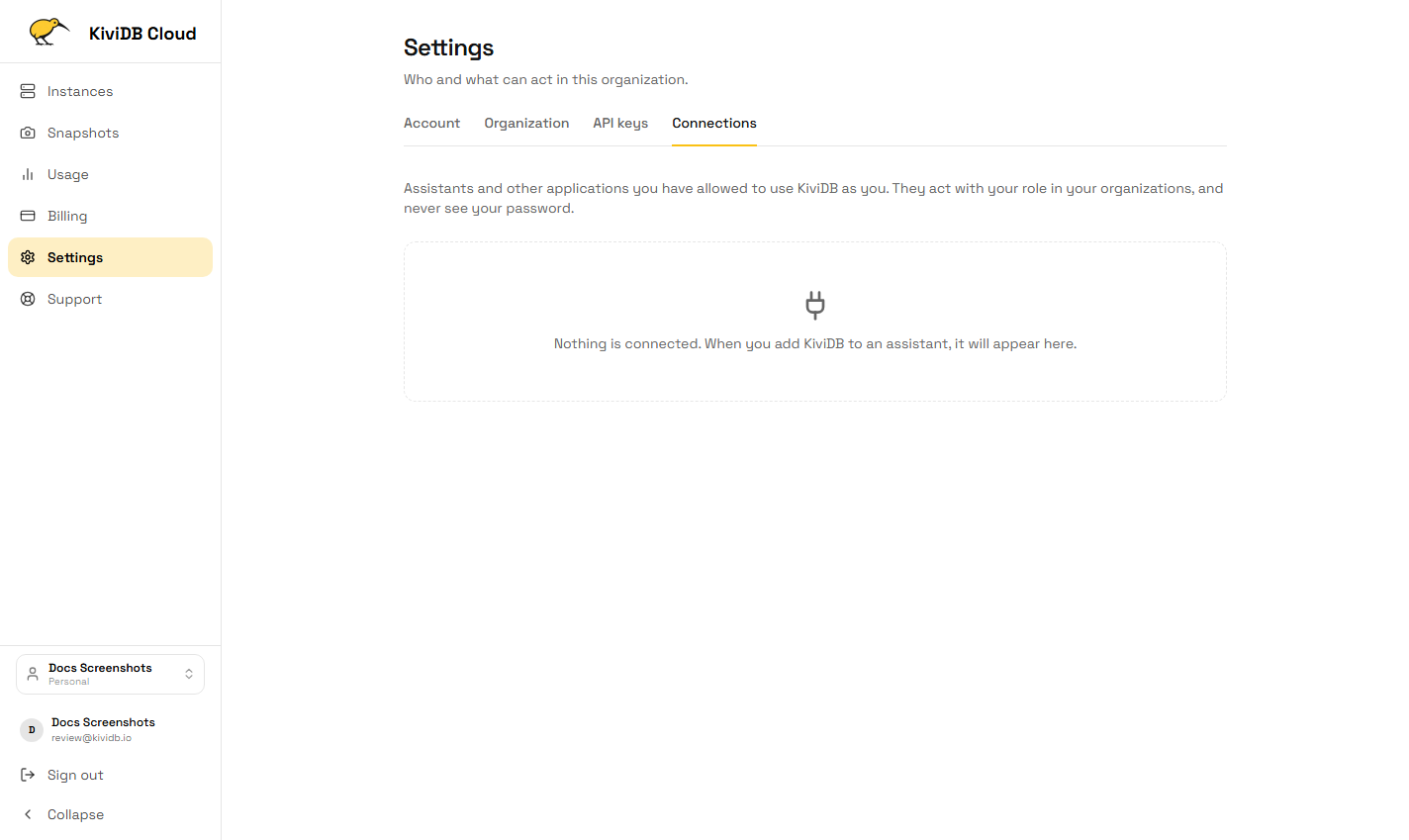
This is the other half of the question API keys answer: what can reach my databases without me being there? A key is something you created deliberately and can see. A connection is something you approved in a browser and probably forgot about, which is the reason this page exists.
A connected application acts with your role, in your organizations, and never sees your password.
Disconnecting takes effect immediately for anything new — the approval is withdrawn and the tokens that let it renew are destroyed in the same step. An access token it already holds keeps working until it expires, up to an hour. That is the cost of a token a resource server can check without asking us, and it is better stated than discovered.